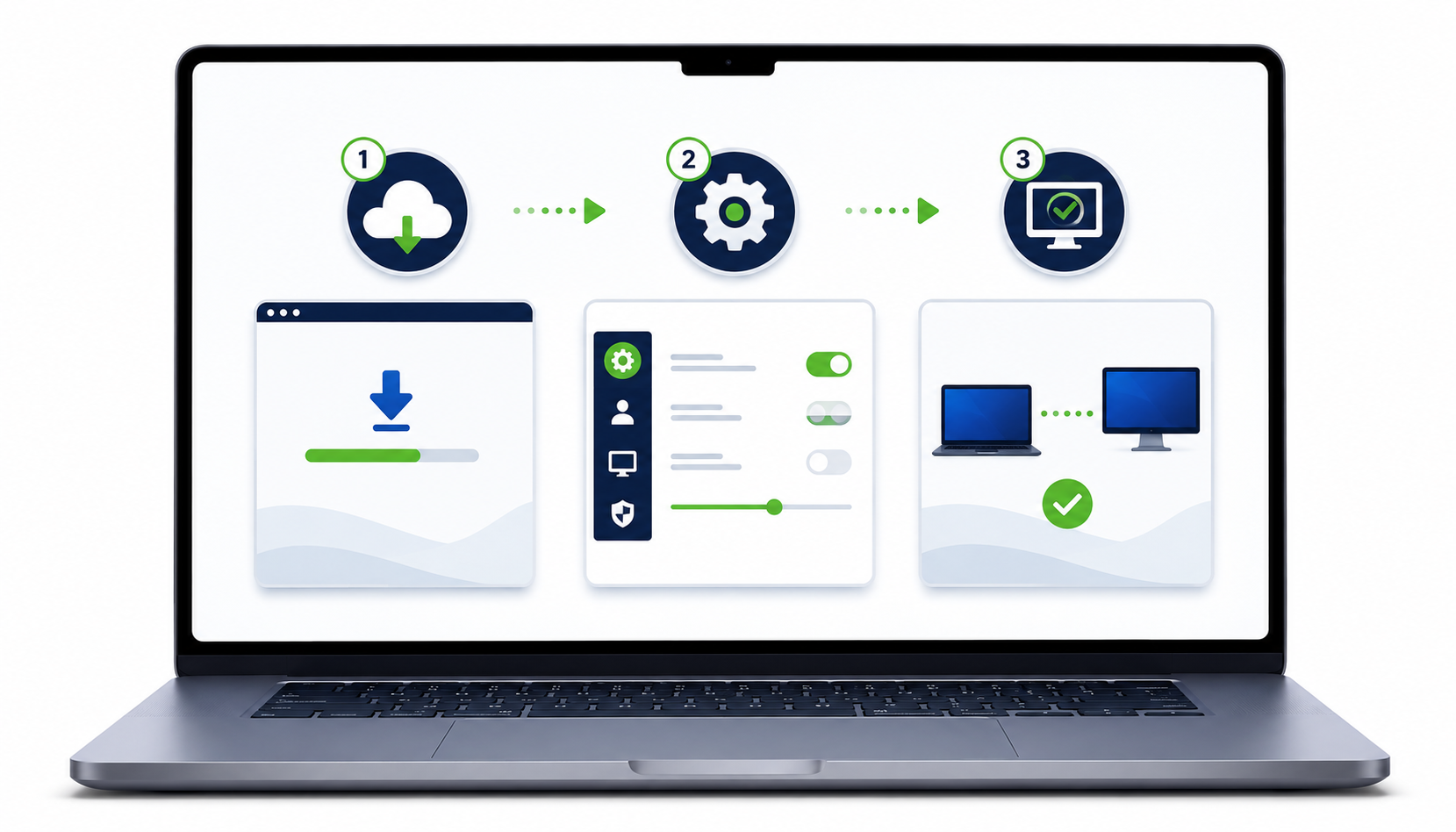
Essentially when you sign up for your plan you will get a desktop app. Install it on a computer you want to control (maybe your work one) and we will call that the HOST. Then when you get home, go onto your home computer (the Viewer) and login to the work one. Very user friendly, easy software to use.