How RemotePC Works
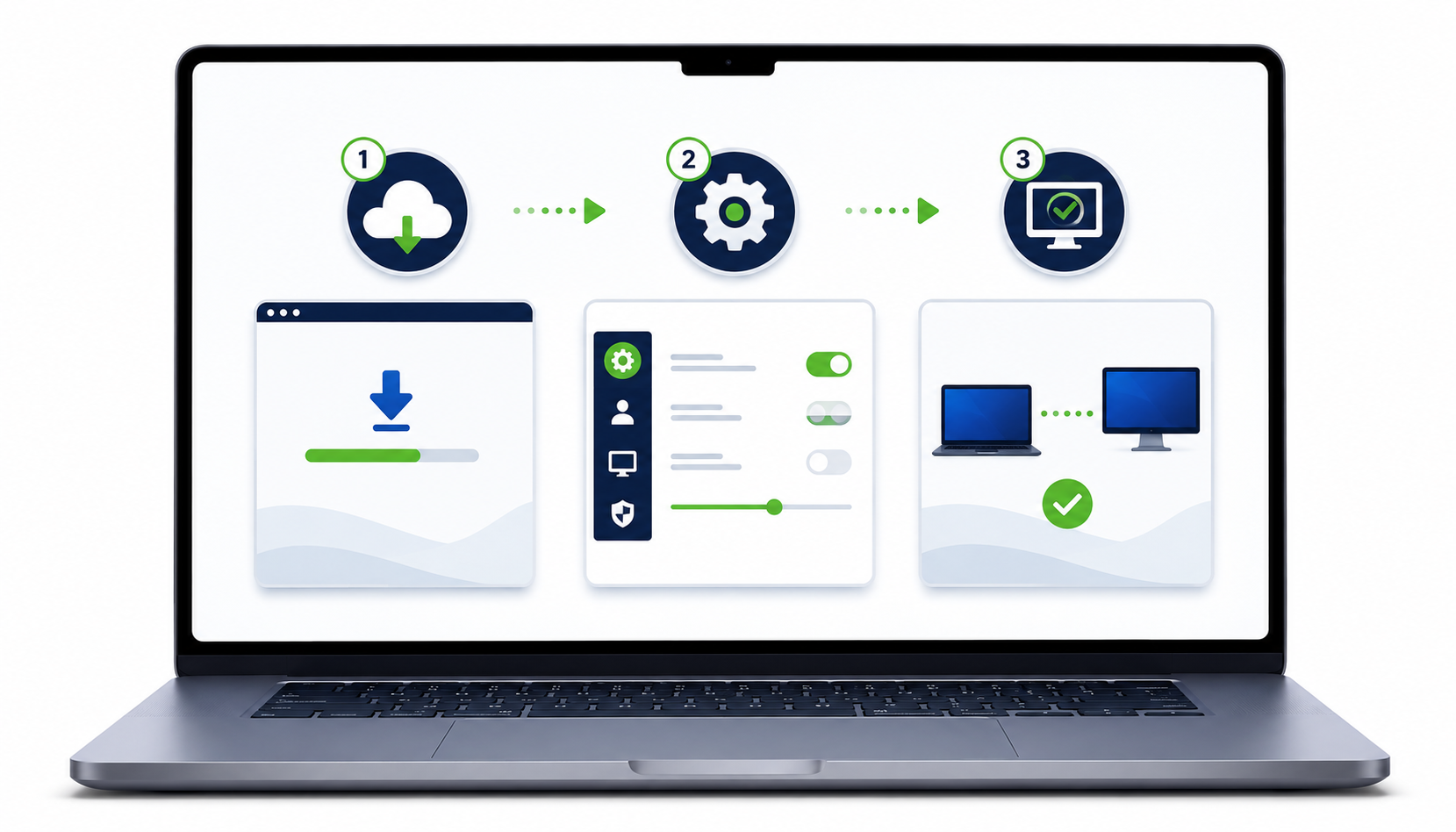
Set up secure remote access in a few straightforward steps.
1. Create your account
Choose the RemotePC plan that suits the number of computers and users you need.
2. Install RemotePC
Install the RemotePC application on the computer you want to access and configure it for remote access.
3. Connect securely
Sign in from another supported computer or mobile device, select the remote computer and connect. Web access is also available for supported workflows.
Your desktop goes where you go
Once connected, use the remote computer, transfer files, work across monitors and print remotely depending on your setup and plan.